Case study
Keystone
A facilities maintenance app with three sides: clients report problems, the office books the right technician inside each SLA, and technicians work from offline job sheets.
- Type
- Client project
- Platforms
- iOS, Android and web
- Stack
- Expo, MMKV offline sync, Supabase
- Scope
- Technician, office and client apps
The problem
A whiteboard, a spreadsheet and paper in the plant room.
A maintenance contractor looks after dozens of buildings, each on a contract that promises how fast someone turns up. Requests arrive by phone, email and text. The office can't see who is near, who is qualified or which promise is about to break, and technicians fill in paper sheets with no signal, so photos and signatures go missing.
The solution
One app, three sides, each seeing only what it should.
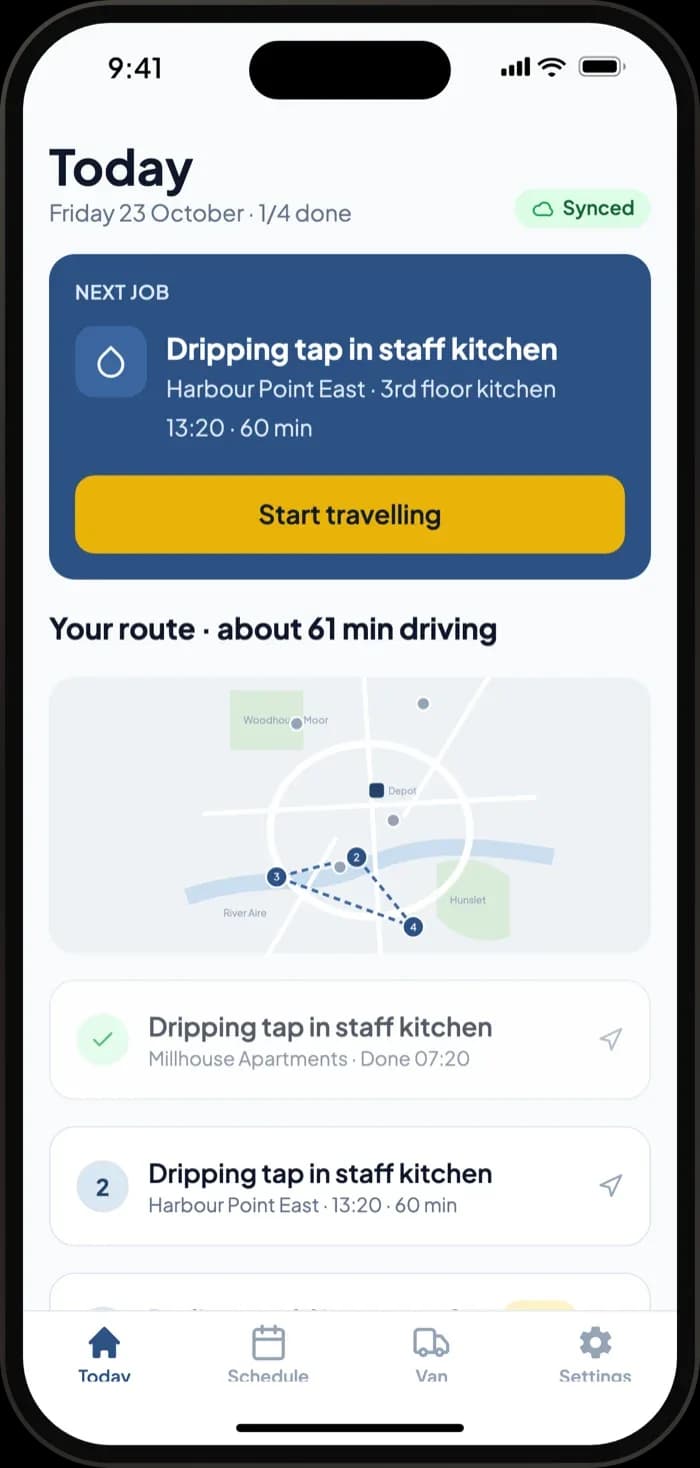
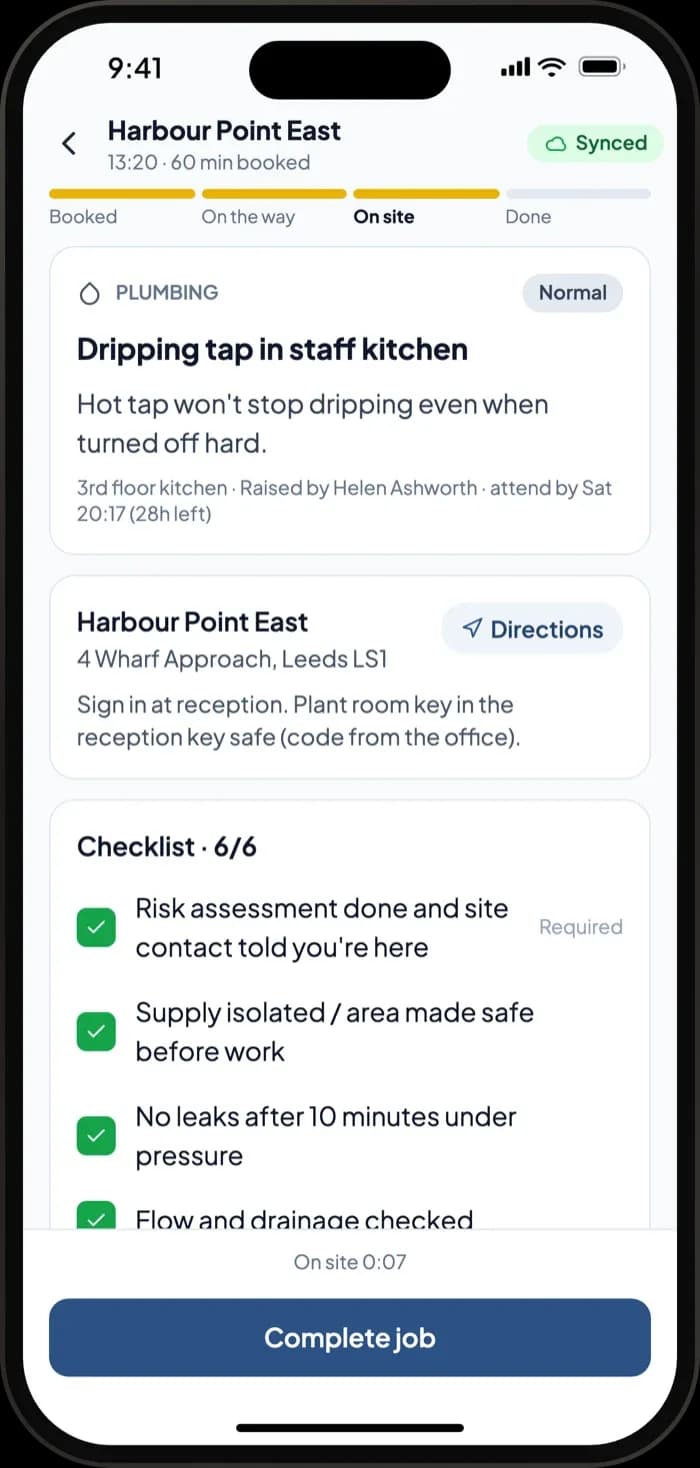
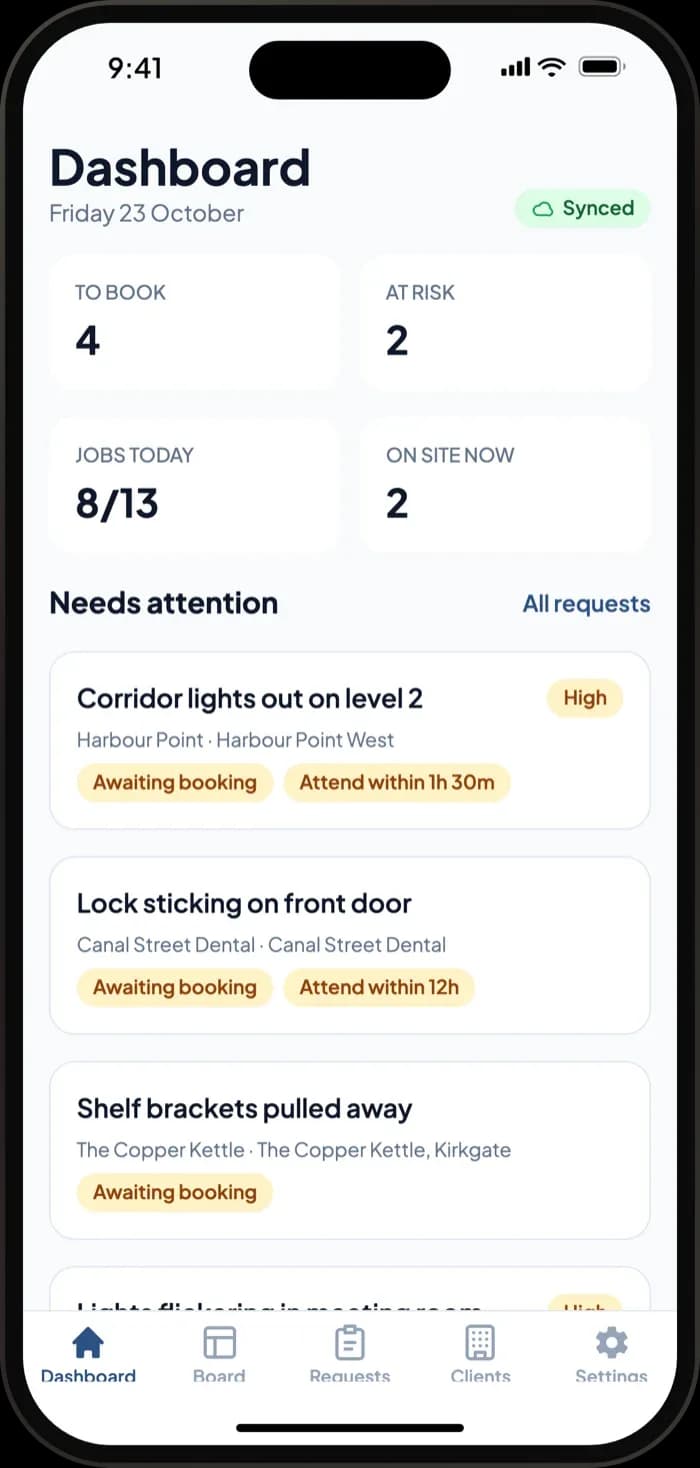
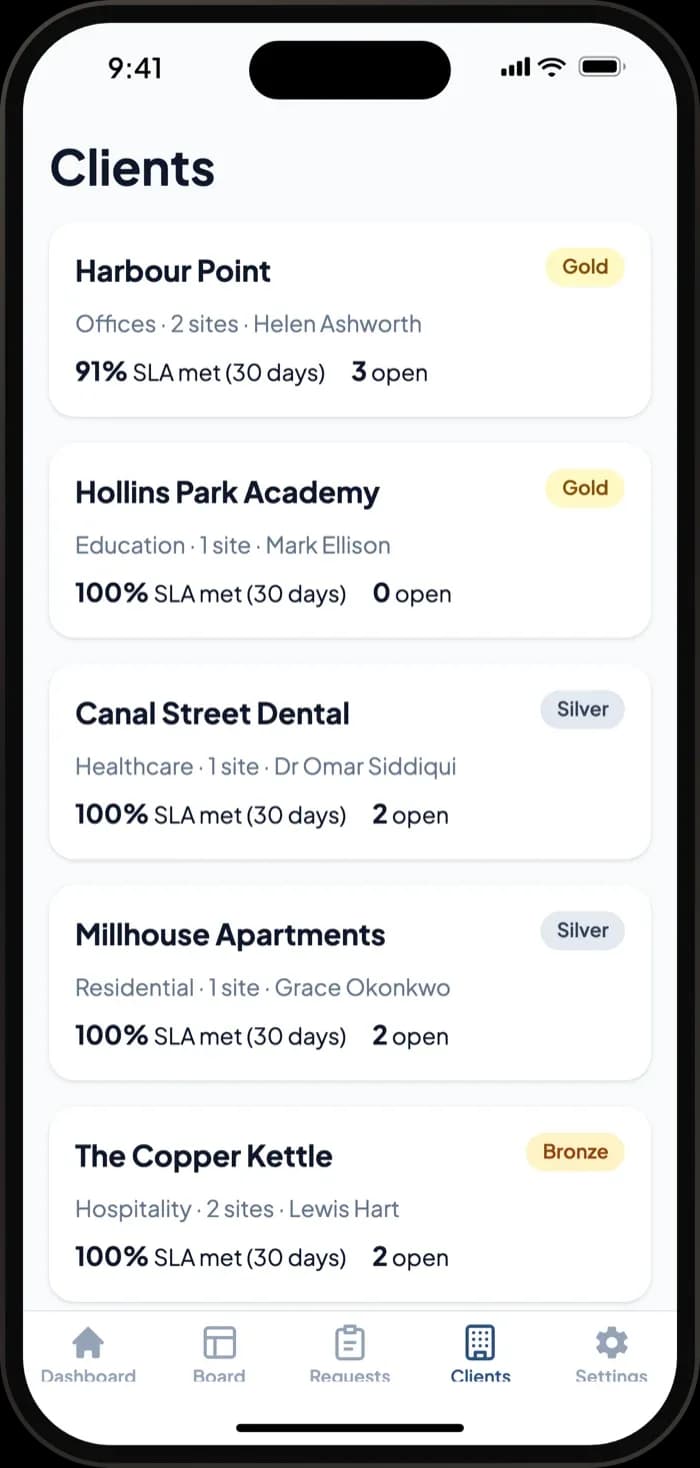
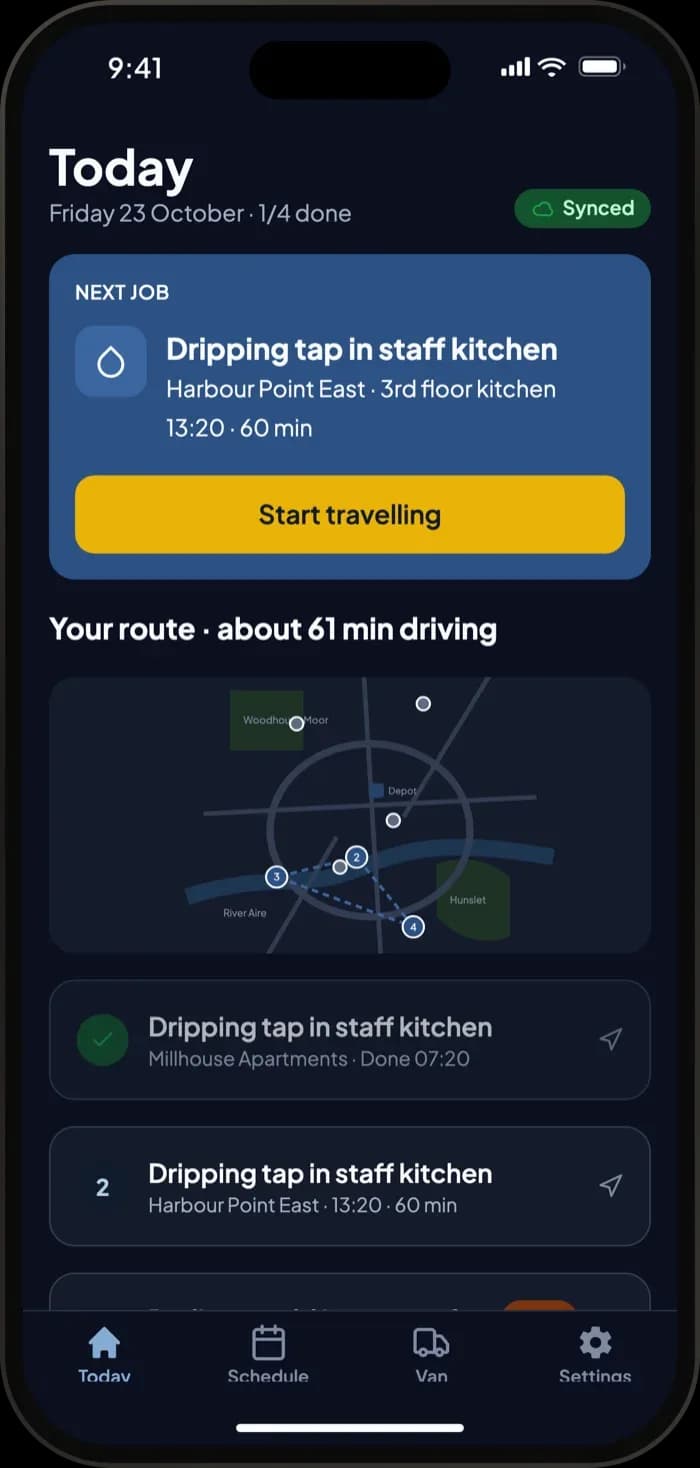
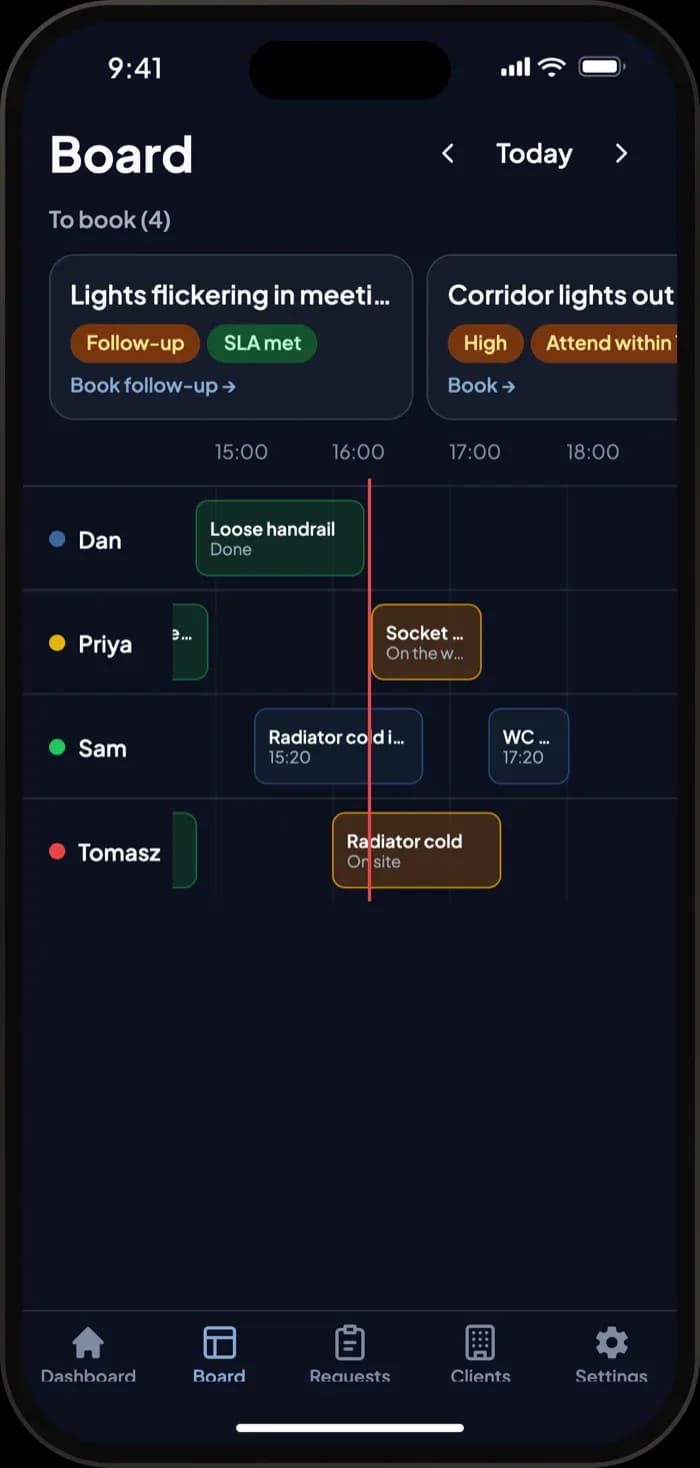
Clients report a problem in a minute and follow it to the signed report. The office gets a dashboard of what's at risk and a booking screen that ranks technicians by who can get there soonest. Technicians get their day as a route, and job sheets that work offline.
3
Sides in one app: technician, office and client
15
App screens across the three roles
84
Unit tests, from SLA rules to sync merging
29
Access checks against a real Postgres
TECHNICIANS
ON THE ROAD
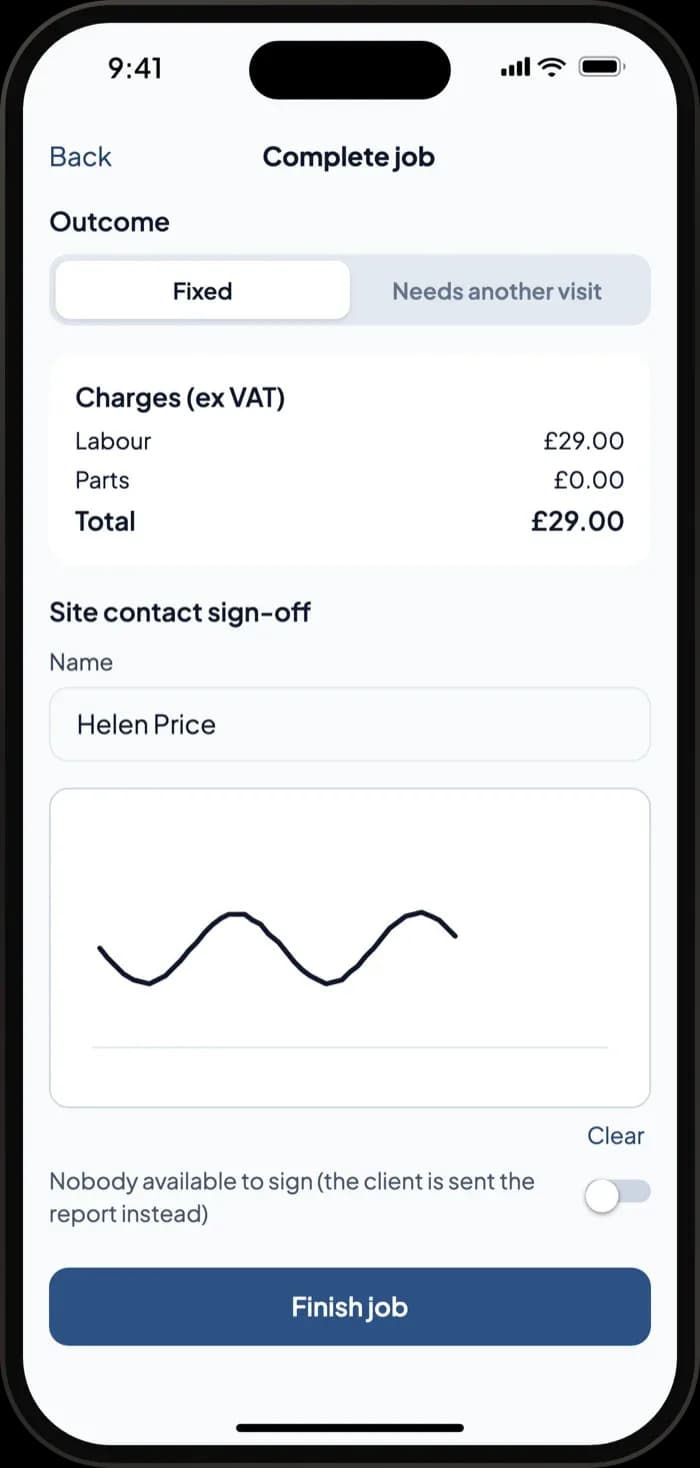
From the van to signed off, signal or not
OFFICE
FOR THE DISPATCHER
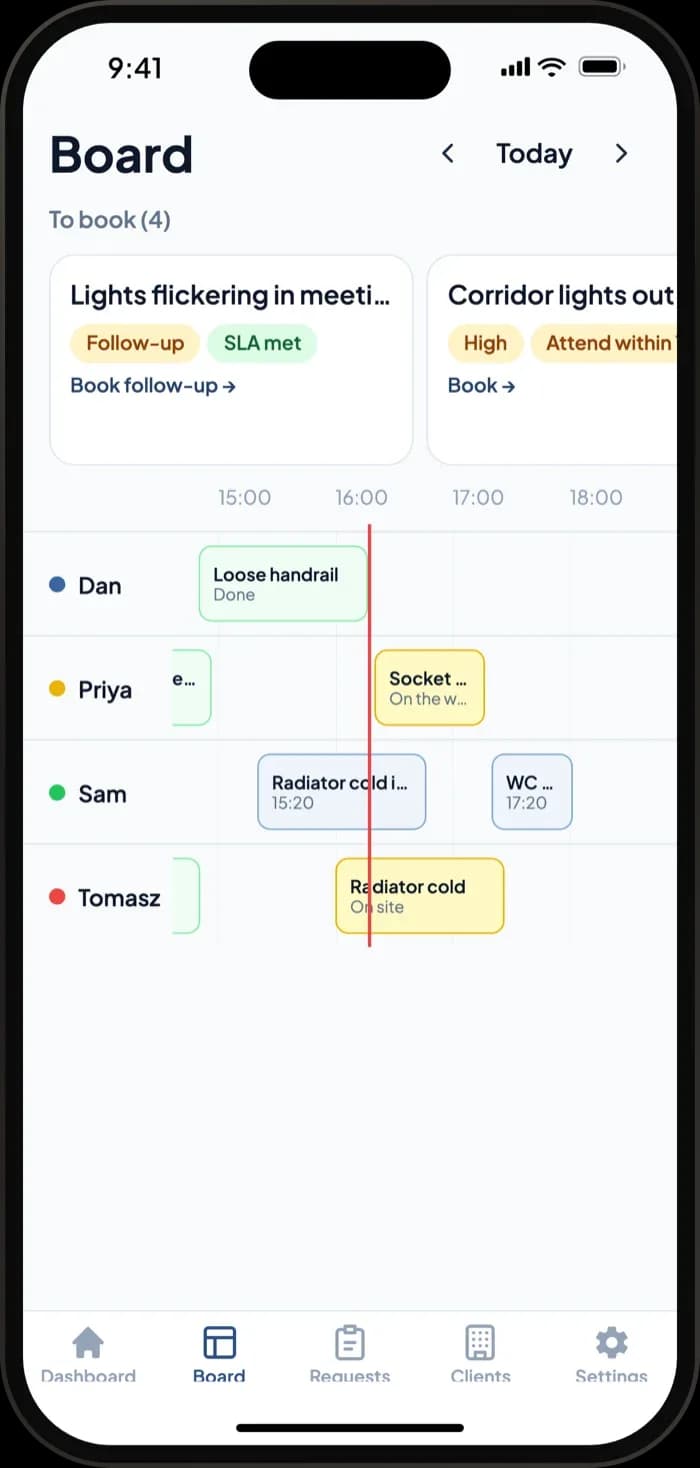
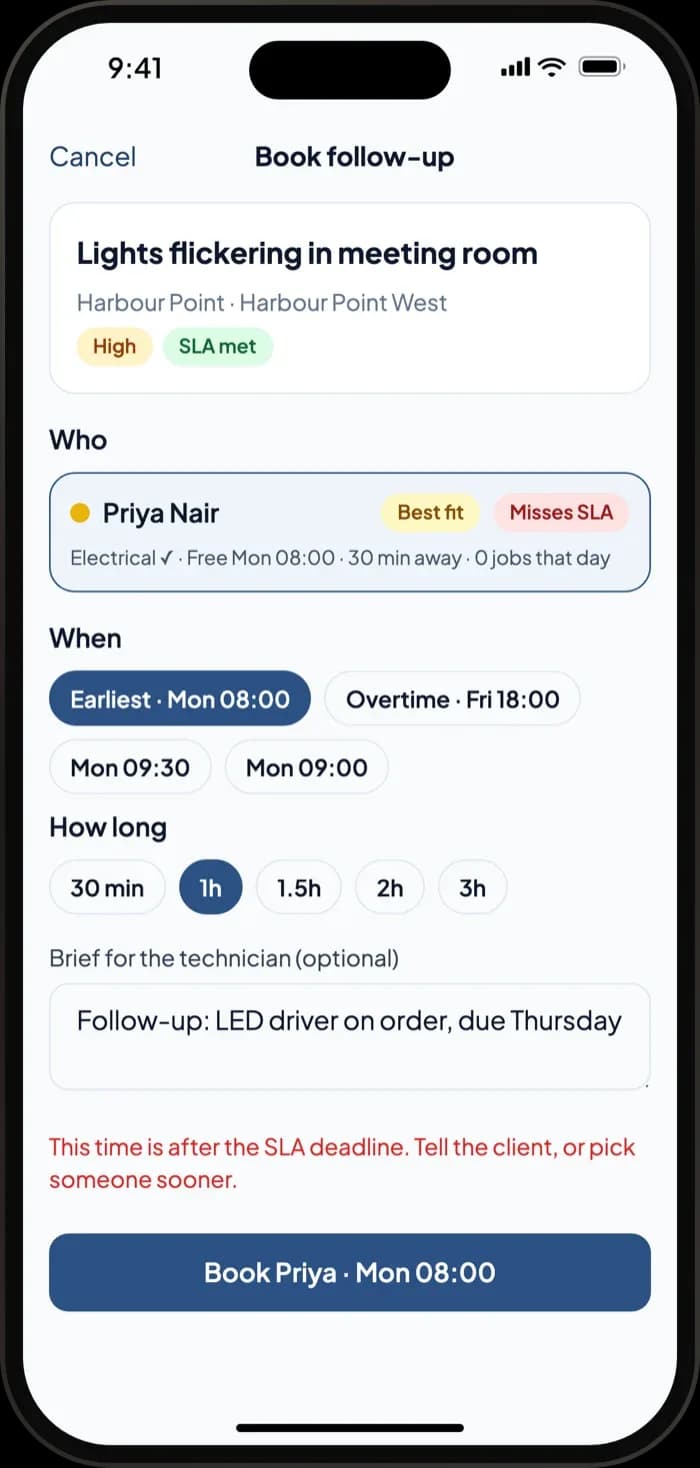
The right technician, inside the SLA
CLIENTS
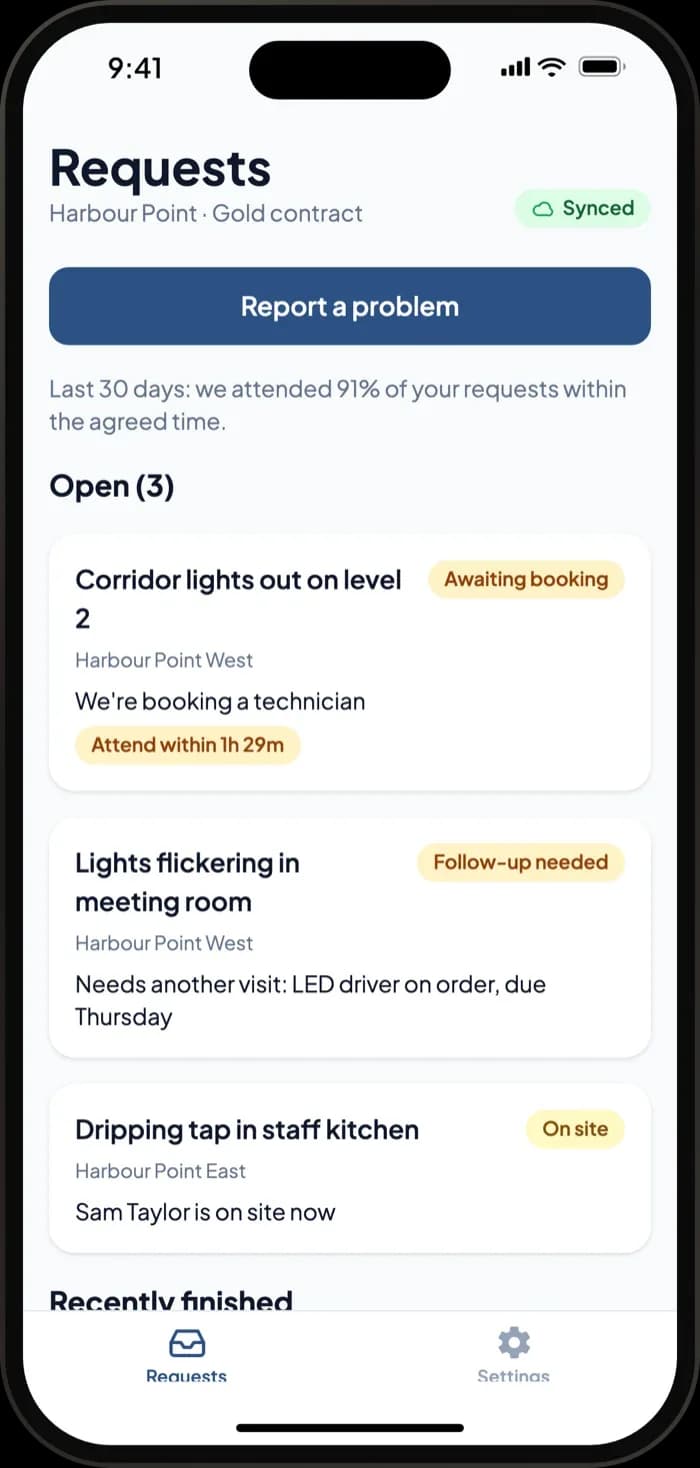
Report it, follow it, see it fixed.
- Report a problem
- Pick the site, trade and urgency, and see what the contract promises.
- Follow it
- Raised, booked, on the way, on site and done, with who and when.
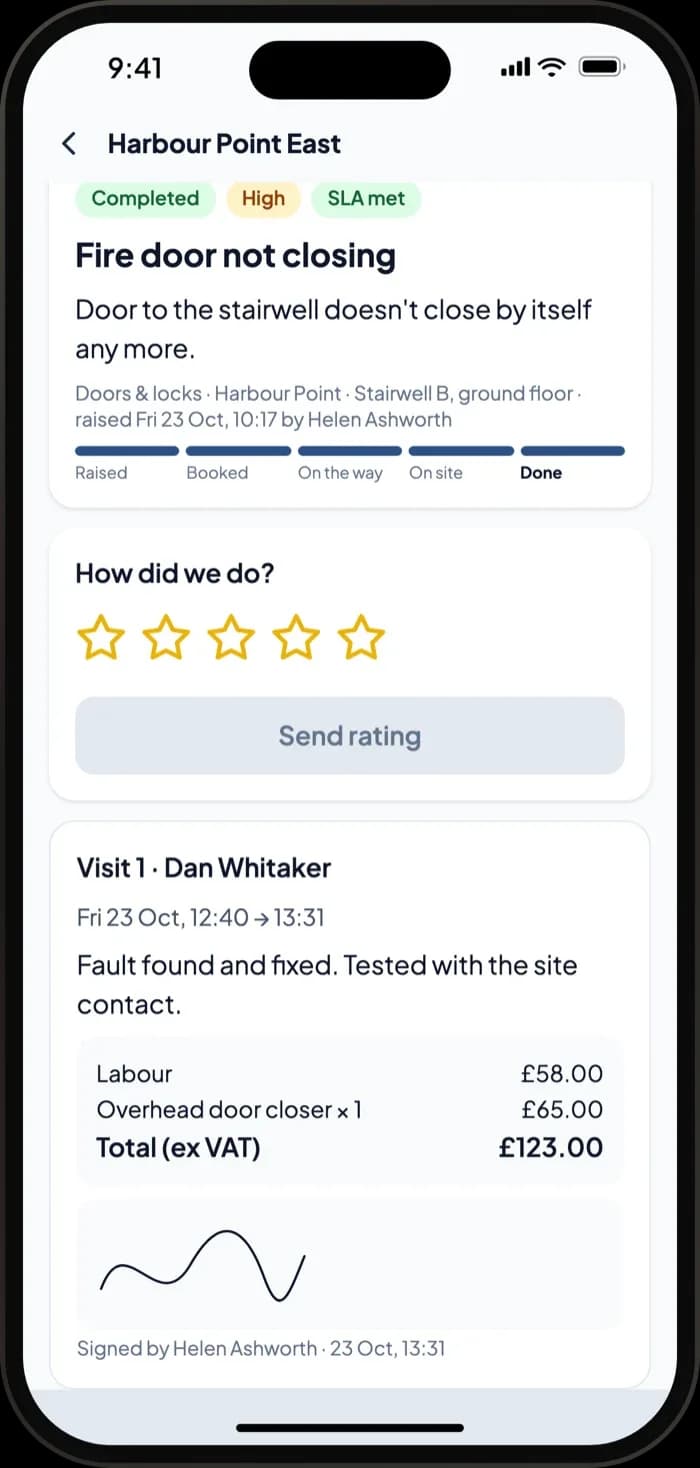
- Visit report
- Notes, photos, parts, costs and the on-site signature.
- Rate the job
- Accepted once the work is finished, and only from the client.
ENGINEERING
UNDER THE HOOD
SLA rules a contracts manager would recognise
Offline-first job sheets
Every action saves on the phone and joins an outbox that syncs when there's signal. Photos taken offline upload just before their report. The sync engine is reused from Steel Work.
No conflicts by design
Each row has one writer, and a request's status is worked out from those rows, so two people never edit the same thing.
SLA logic
Deadlines by priority and contract tier, "at risk" in the last quarter of the window, set by the server so clients can't move them. Compliance and first-time fix are measured per client.
Dispatch suggestions
Technicians are filtered by trade and ranked by the earliest gap, allowing for travel and working hours. Urgent work can go in as overtime, and follow-ups go back to the first technician.
The server enforces the rules
Only the booked technician can report, a completed report is final, and technician locations are hidden from clients. A Docker test runs 29 checks against real Postgres.
Tested
84 unit tests covering SLA rules, the request lifecycle, slot finding, billing and van stock, dashboard metrics, sync merging and the simulator.
DETAILS
A demo worth clicking.
A simulated company runs with no backend: made-up technicians move around the map and through their jobs, and new requests arrive. Raise an emergency as the client and watch it go from booked to signed off in about five minutes. Empty states, dark mode, haptics and a custom icon throughout.
Let’s Build Something Great Together
Need a job management app for your team? Let’s build it.
Tell us what you need and we'll reply within one working day.
More work